
Best Docking Station for Multiple Monitors (2026 Guide)
-
March 17 , 2026
-
38
Working with multiple screens is no longer just for developers or designers. Today, remote workers, content creators, and even students rely on dual or triple monitor setups to stay productive. That’s why choosing the best docking station for multiple monitors has become essential.
If you're specifically looking for the best docking station for dual monitors, this guide will help you understand what to look for and which options are worth your investment.
For more tech buying guides like this, visit BlogNReview.
What Is a Docking Station?
A docking station is a device that connects your laptop to multiple peripherals using a single cable. It expands your laptop’s ports and allows you to connect:
-
Multiple monitors
-
Keyboard and mouse
-
External storage
-
Ethernet cable
-
Audio devices
Modern docking stations typically use USB-C or Thunderbolt connections for high-speed data transfer and display support.
Why You Need a Docking Station for Multiple Monitors
Using multiple monitors can significantly improve productivity. A good docking station makes it easy to manage everything from one central hub.
Increased Productivity
You can work on multiple apps at the same time without constantly switching tabs.
Cleaner Workspace
One cable connects everything, reducing clutter.
Better Performance
High-quality docking stations support higher resolutions and smoother display output.
Key Features to Look For
Before buying the best docking station for dual monitors, consider these important features.
1. Display Support
Not all docking stations support multiple monitors.
Look for:
-
Dual monitor support (at least 2 displays)
-
4K resolution support
-
HDMI or DisplayPort outputs
2. Compatibility
Make sure the docking station works with your device:
-
Windows laptops
-
MacBooks
-
USB-C or Thunderbolt compatibility
3. Power Delivery
Some docking stations can charge your laptop while connected.
Look for at least:
-
60W for standard laptops
-
85W–100W for high-performance devices
4. Number of Ports
A good docking station should include:
-
USB-A and USB-C ports
-
HDMI / DisplayPort
-
Ethernet port
-
Audio jack
5. Build Quality
Durable materials and good heat management ensure long-term performance.
Best Docking Stations for Multiple Monitors
Here are some of the best options available in 2026.
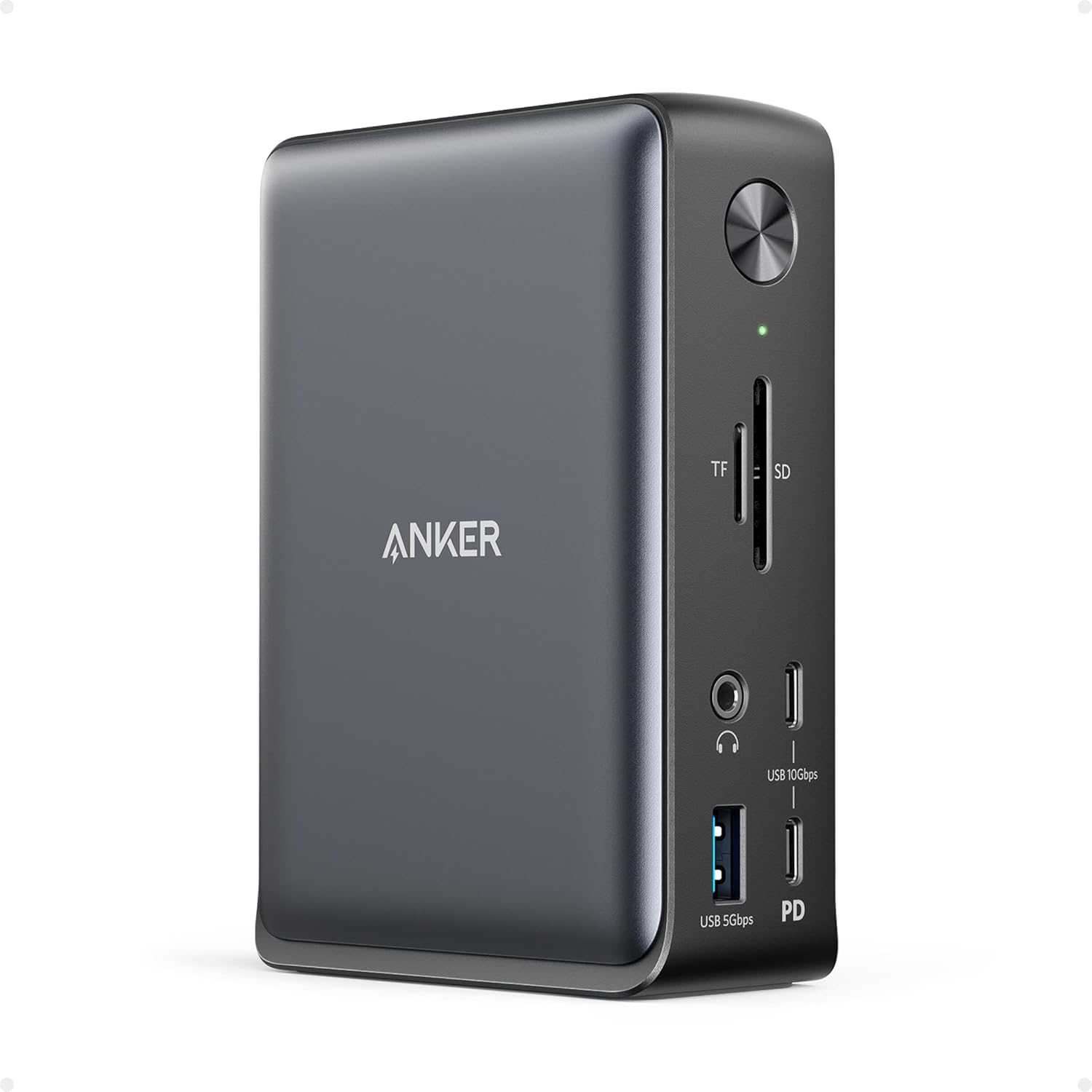
1. Anker 575 USB-C Docking Station
Anker 575 USB-C Docking Station
A reliable and powerful docking station for both professionals and casual users.
Key Features
-
Supports dual 4K monitors
-
13-in-1 connectivity
-
85W power delivery
-
Multiple USB and HDMI ports
This is one of the best docking stations for dual monitors if you want a balance between performance and price.
2. CalDigit TS4 Thunderbolt Dock
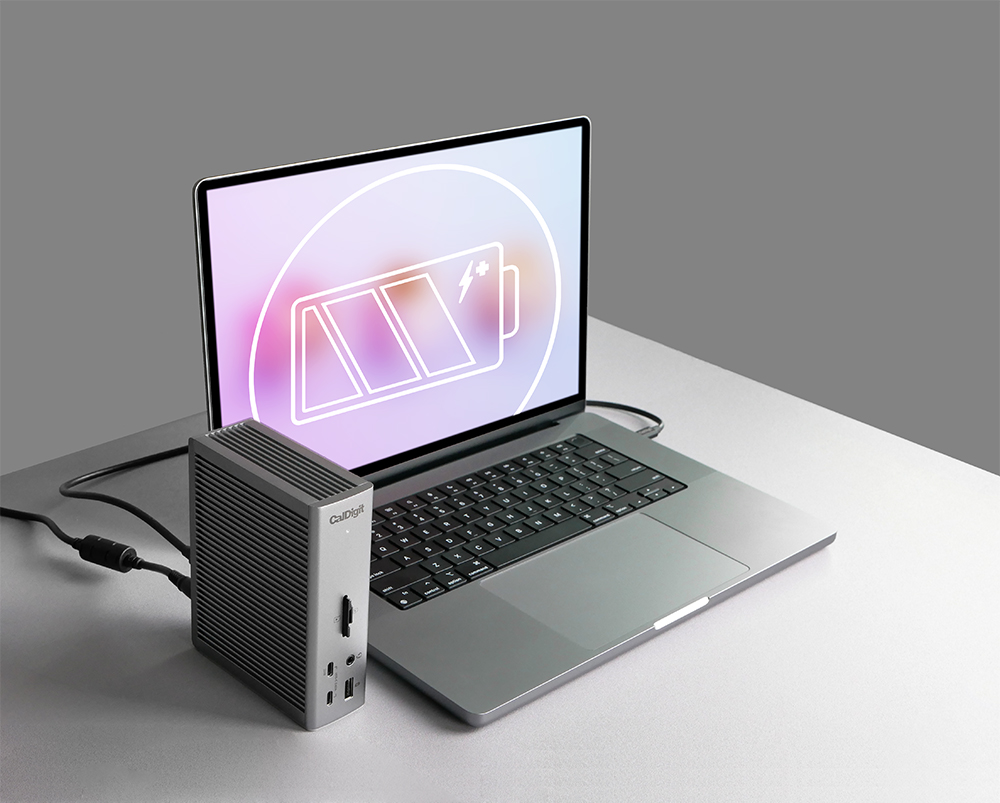
CalDigit TS4 Thunderbolt Dock
A premium docking station designed for power users.
Key Features
-
Supports multiple high-resolution displays
-
Thunderbolt 4 technology
-
18 ports for maximum connectivity
-
98W power delivery
Perfect for professionals who need high-speed performance and multiple display support.
3. Plugable USB-C Triple Display Dock
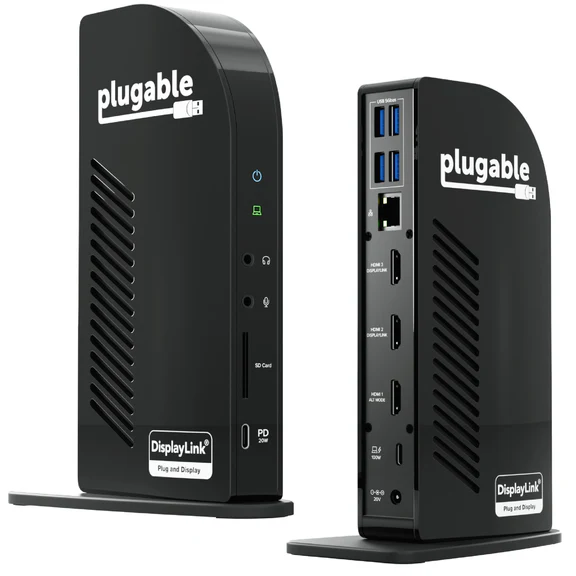
Plugable USB-C Triple Display Dock
Ideal for users who want more than two monitors.
Key Features
-
Supports up to 3 monitors
-
Multiple HDMI outputs
-
Compatible with Windows and macOS
-
Affordable pricing
This is a great option if you're looking for the best docking station for multiple monitors beyond just dual setups.
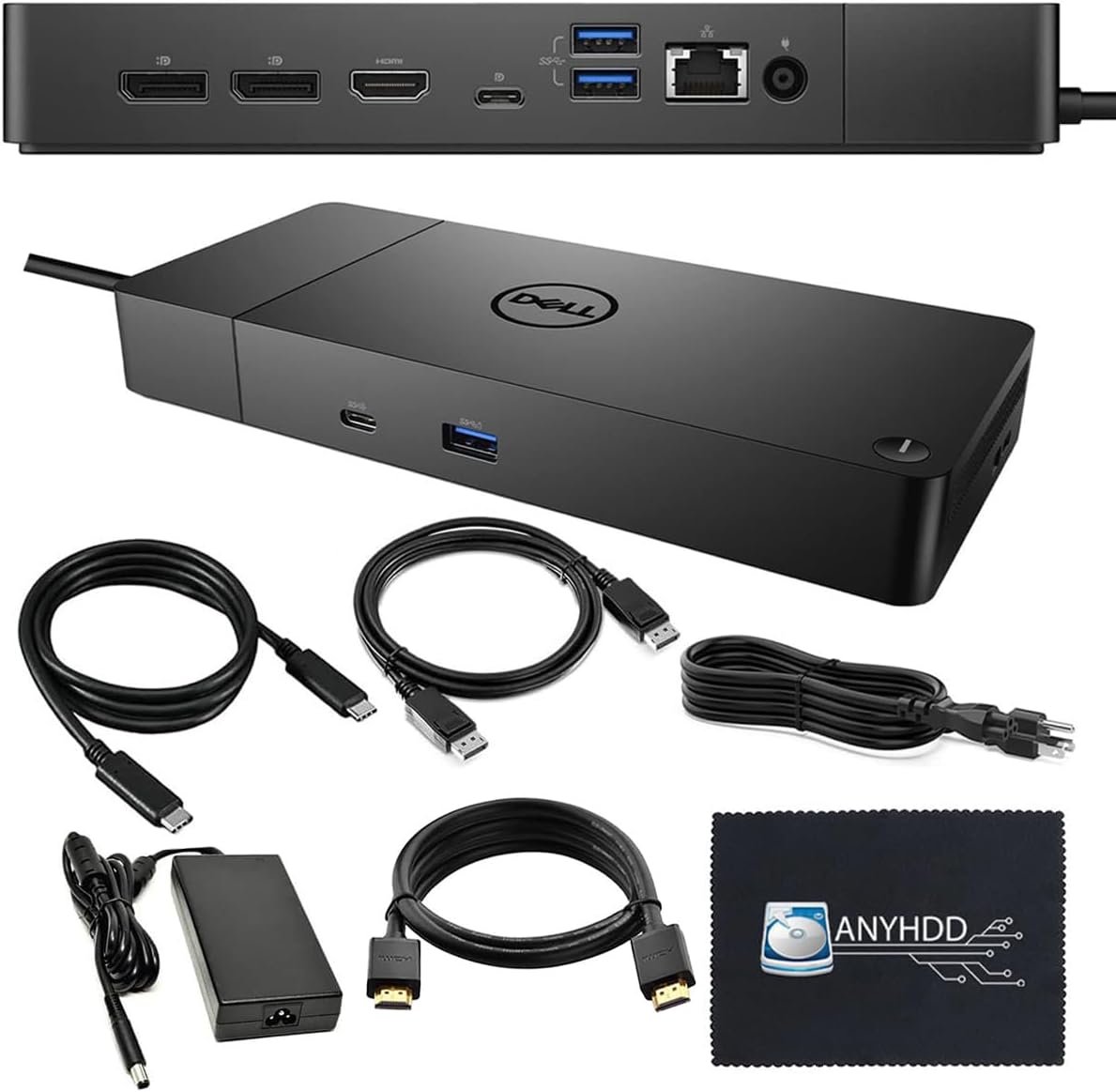
4. Dell WD19S Docking Station
Dell WD19S Docking Station
A popular choice for office environments.
Key Features
-
Dual monitor support
-
Strong compatibility with Dell laptops
-
USB-C connectivity
-
Reliable performance
A solid and dependable option for everyday productivity.
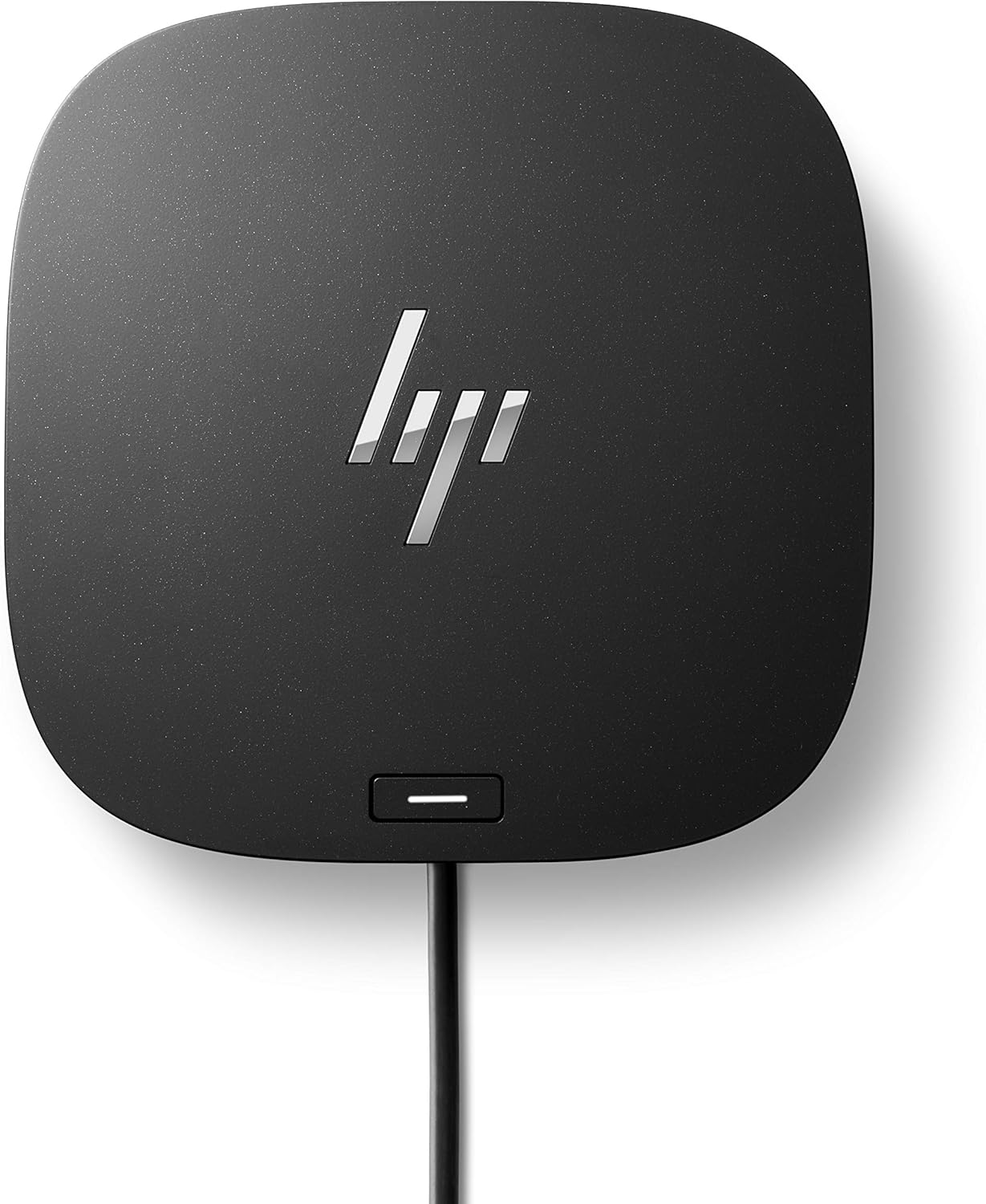
5. HP USB-C G5 Essential Dock
HP USB-C G5 Essential Dock
A compact and affordable docking solution.
Key Features
-
Dual monitor support
-
Slim design
-
Multiple USB ports
-
Good for basic setups
Best suited for users who need a simple dual monitor setup without advanced features.
Best Docking Station for Dual Monitors vs Multiple Monitors
| Feature | Dual Monitor Dock | Multi-Monitor Dock |
|---|---|---|
| Displays Supported | 2 | 2–3+ |
| Price | Lower | Higher |
| Performance | Standard | High-end |
| Best For | Office work | Creative professionals |
If you only need two screens, a dual monitor dock is enough. But if you want flexibility for future upgrades, consider a multi-monitor dock.
Common Mistakes to Avoid
Ignoring Compatibility
Always check if your laptop supports multiple displays through USB-C or Thunderbolt.
Choosing Low Power Delivery
Insufficient power can result in slow charging or battery drain.
Overlooking Resolution Support
Make sure the dock supports 4K if you’re using high-resolution monitors.
Final Thoughts
Choosing the best docking station for multiple monitors depends on your workflow, budget, and device compatibility. Whether you need a simple dual-screen setup or a powerful multi-monitor workstation, the right dock can completely transform your productivity.
Options like the Anker 575 USB-C Docking Station and CalDigit TS4 Thunderbolt Dock offer excellent performance for different needs.
If you’re setting up a modern workspace, investing in the best docking station for dual monitors is one of the smartest upgrades you can make.
For more in-depth tech guides and product reviews, visit BlogNReview.
Leave a Reply
Your email address will not be published. Required fields are marked
Can I write you?
Sign up to get my weekly newsletter.