How to Upgrade Your Handheld Gaming Setup Without Buying a New Console
-
February 20 , 2026
-
38
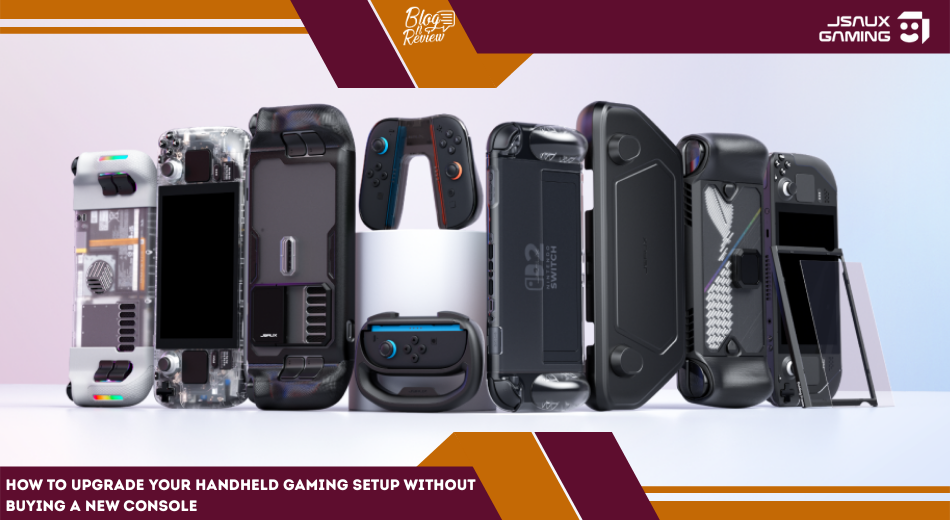
Handheld gaming has changed.
Devices like the Steam Deck and ROG Ally deliver serious performance in a compact form. But the real difference between a basic setup and a powerful one often comes down to accessories.
That’s where JSAUX has built its reputation. Founded in Shenzhen in 2016, the brand has become well known in the gaming community for practical, performance-focused accessories designed specifically for handheld systems.
In this article, we’ll break down how to turn your handheld device into a full gaming station without replacing the console itself.
Table of Contents
Why Accessories Matter More Than You Think
Most gamers focus on specs: processor, RAM, storage.
But daily experience depends on:
-
Port availability
-
Cooling performance
-
Display clarity
-
Storage expansion
-
Protection during travel
A strong accessory setup improves convenience, comfort, and longevity without spending hundreds on a new device.
Turning Your Handheld Into a Desktop Setup
Docking stations are one of the biggest upgrades you can make.
Modern multi-port docks allow you to:
-
Connect to an external monitor
-
Plug in keyboard and mouse
-
Use wired internet
-
Add external storage
-
Charge simultaneously
Some advanced models include RGB lighting and even built-in M.2 SSD slots for additional storage expansion.
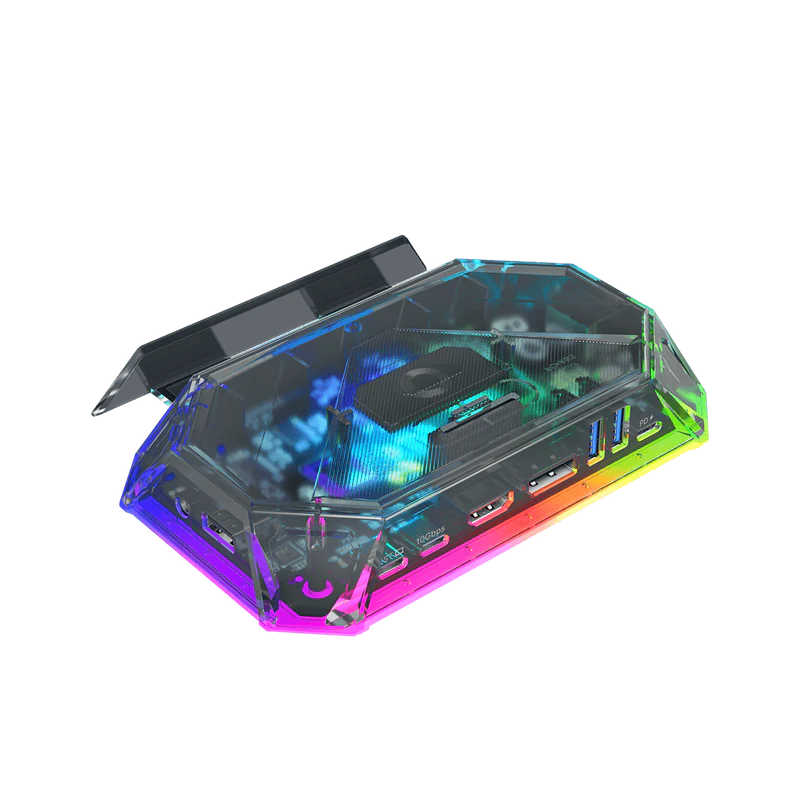
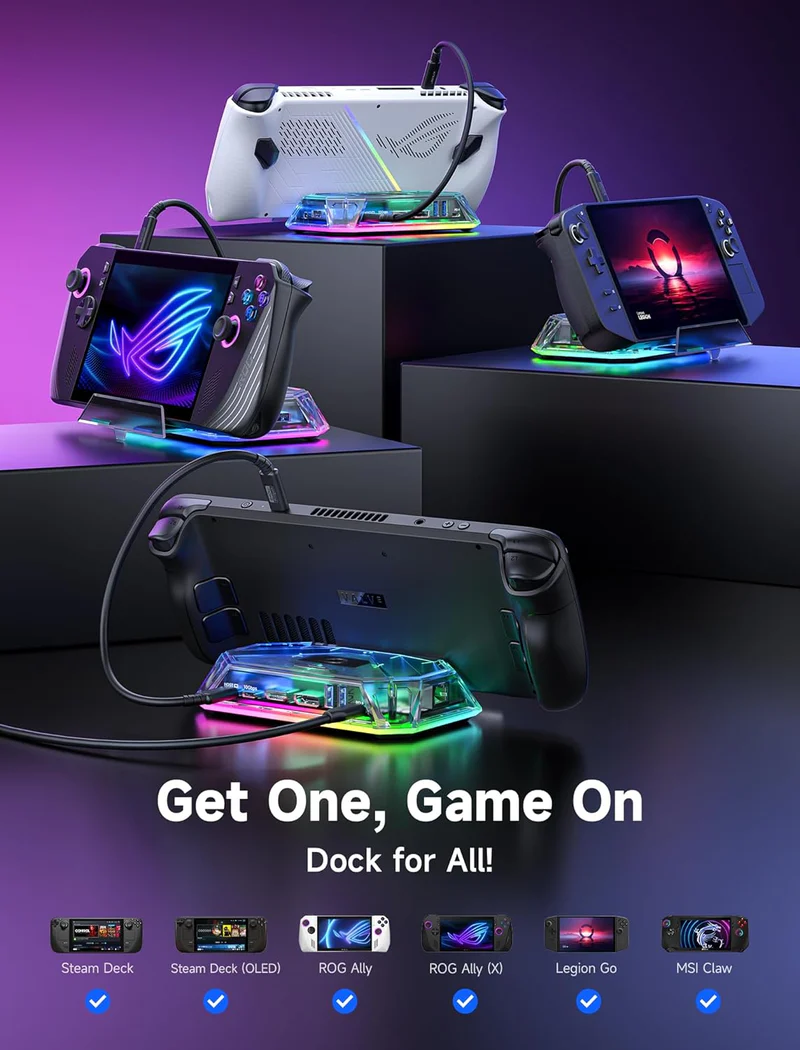
This is ideal for gamers who want to switch between couch play and desk gaming without compromise.
Protecting Your Investment
Handheld devices are portable. That also makes them vulnerable.
Protective accessories reduce the risk of:
-
Screen scratches
-
Drop damage
-
Internal dust buildup
-
Cosmetic wear
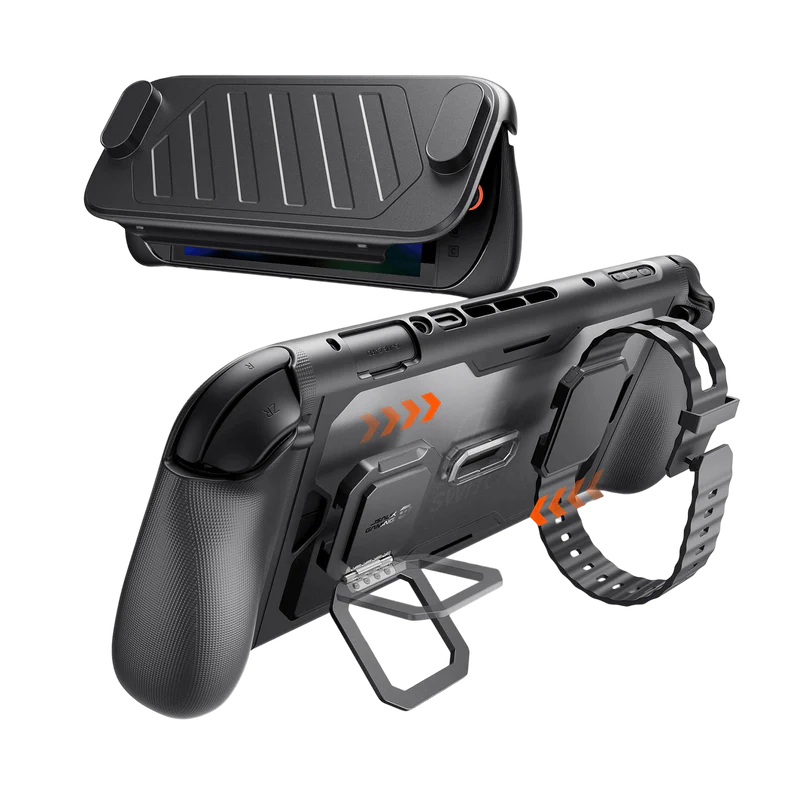
Protective gear often includes:
-
Hard shell cases
-
Modular protective cases
-
Anti-glare or clear screen protectors
-
Transparent back plates for customization
A good case doesn’t just protect it improves grip and comfort.
Managing Heat and Performance
Performance throttling happens when devices overheat.
Extended gaming sessions can raise internal temperatures, especially during high-demand titles.
Cooling accessories help:
-
Maintain consistent frame rates
-
Reduce thermal throttling
-
Extend hardware lifespan
External cooling fans designed specifically for handhelds provide targeted airflow without adding bulk.
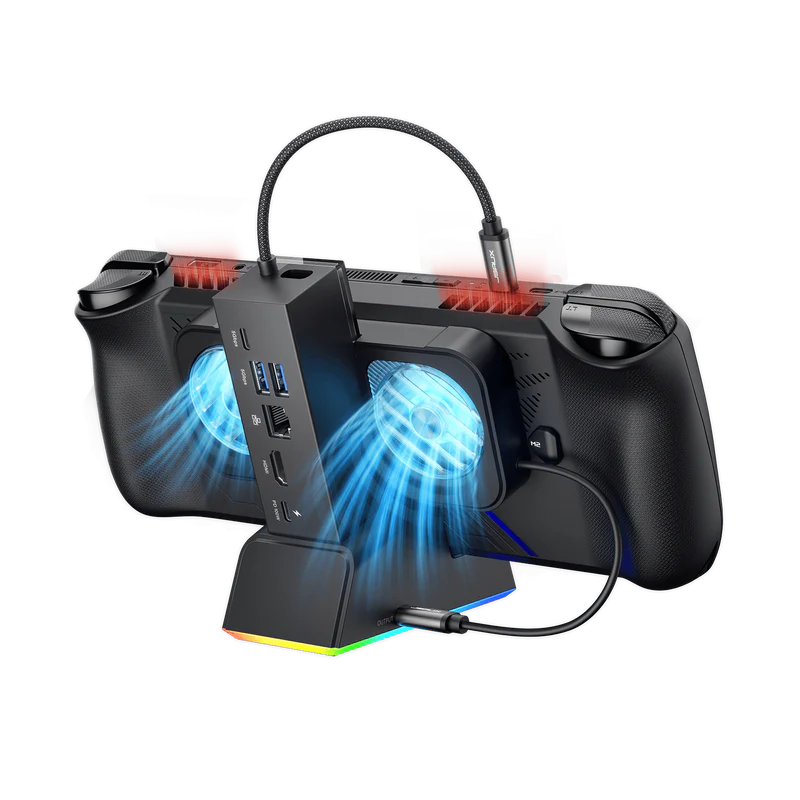
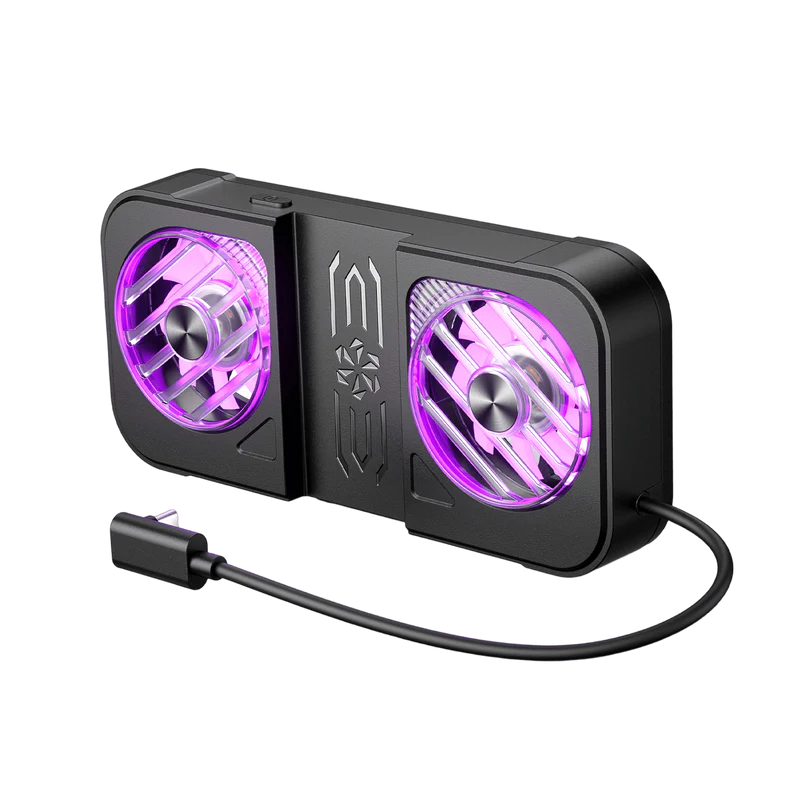
If you play demanding games for hours, cooling becomes less optional and more essential.
Smarter Charging Solutions
Fast charging and power delivery matter more than people realize.
Standard chargers may not provide optimal wattage for gaming handhelds. High-wattage GaN chargers allow:
-
Faster charging
-
Smaller size
-
Better efficiency
-
Multi-device charging
A 65W USB-C wall charger is often ideal for devices like the Steam Deck and ROG Ally.
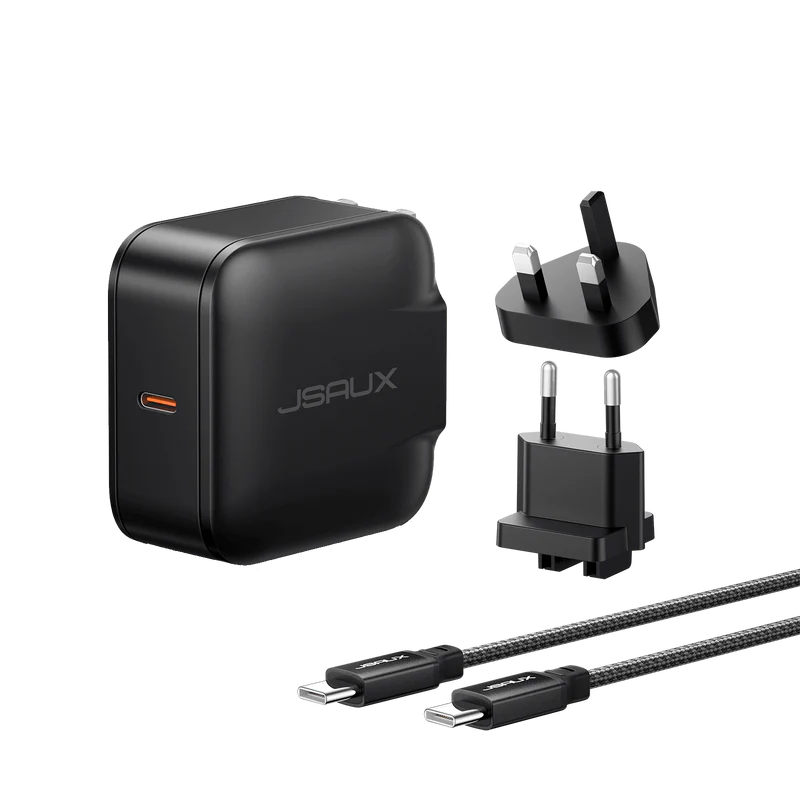
Investing in reliable power solutions prevents slow charging and overheating issues.
Travel and Storage Essentials
If you take your handheld on the go, storage matters.
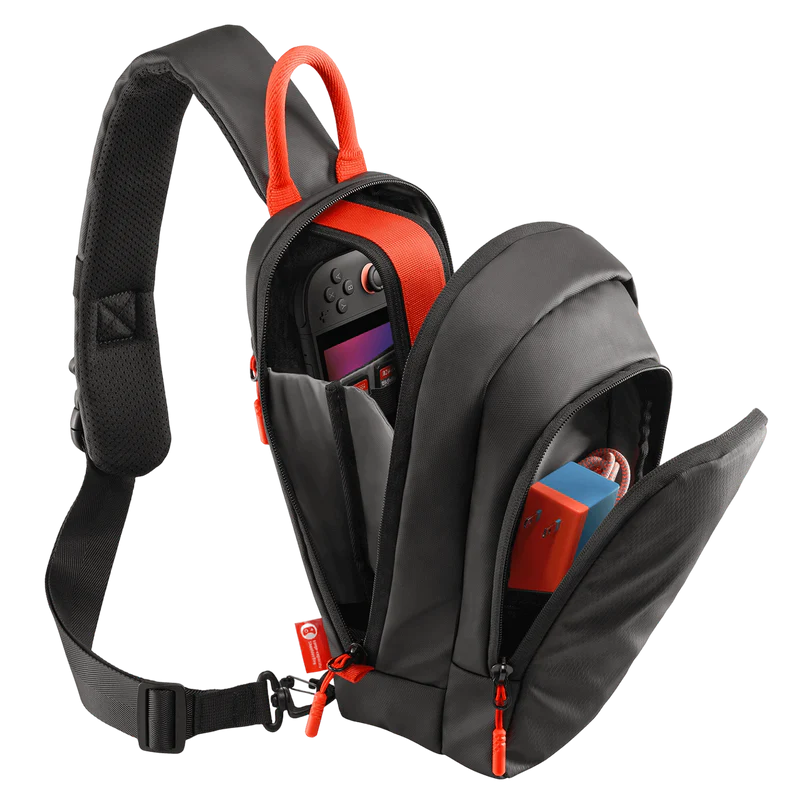
Travel-focused accessories include:
-
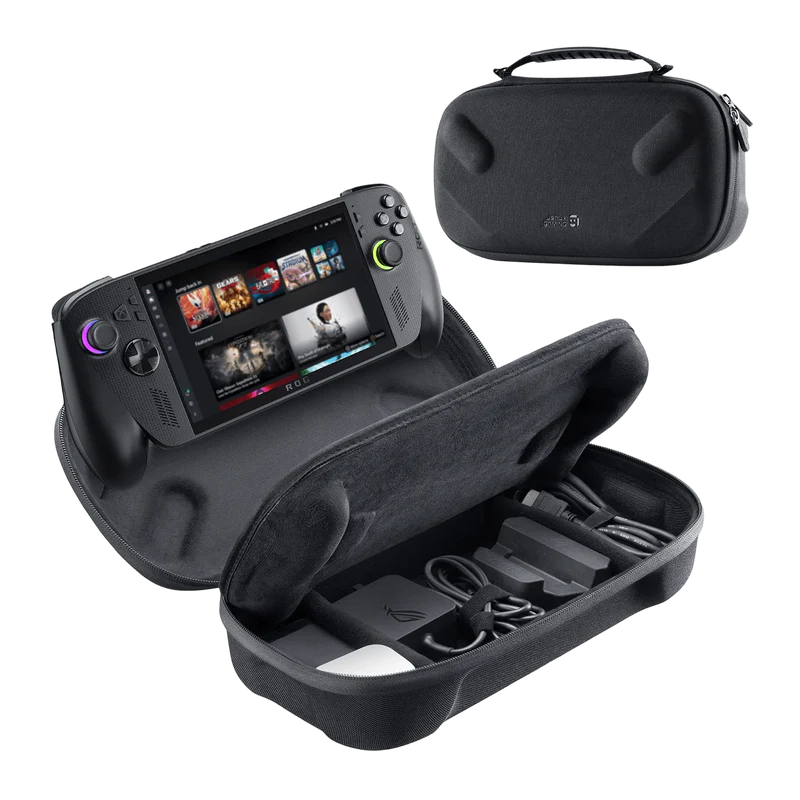
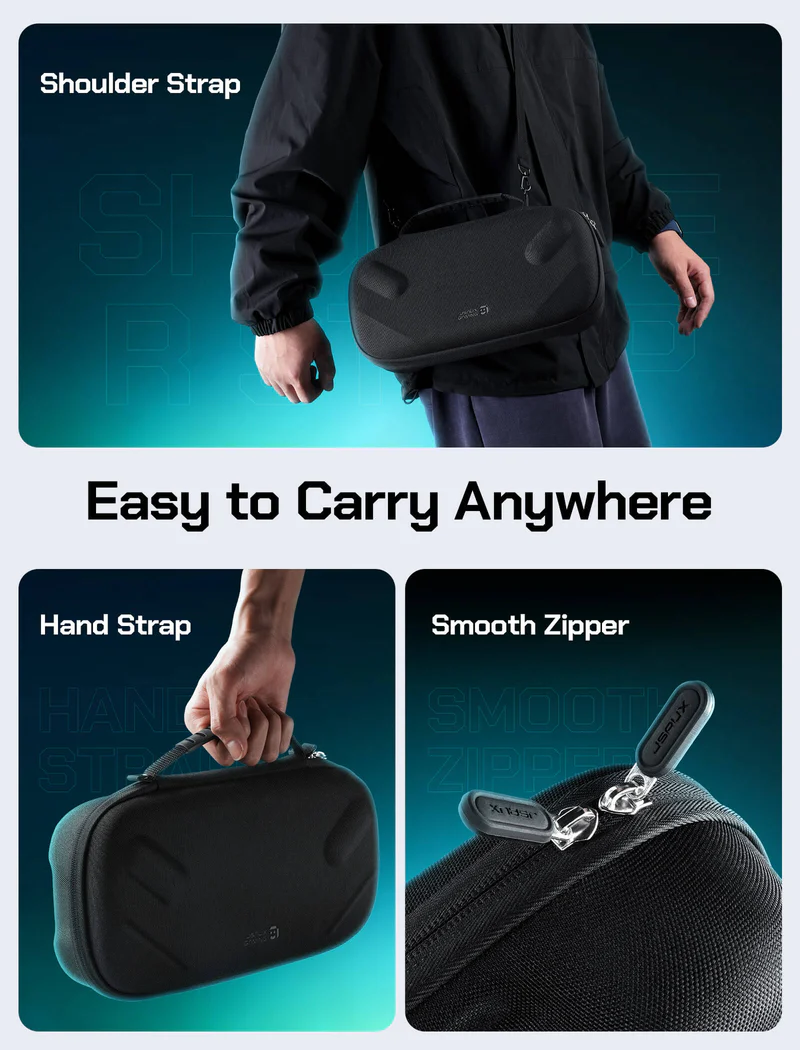
Double-layer travel cases
-
Storage pouches for cables and docks
-
Shock-resistant outer shells
A well-designed case can hold:
-
Console
-
Charger
-
Dock
-
Cables
-
SD cards
That organization prevents damage and makes travel smoother.
Building the Ultimate Handheld Setup
Here’s a practical upgrade path:
Step 1: Protective case and screen protector
Step 2: Docking station for home gaming
Step 3: High-wattage charger
Step 4: Cooling accessory for long sessions
Step 5: Travel case for portability
You don’t need everything at once. Start with what improves your daily usage most.
For desk gamers, a dock makes the biggest difference.
For travelers, protection comes first.
For performance-heavy users, cooling and charging matter most.
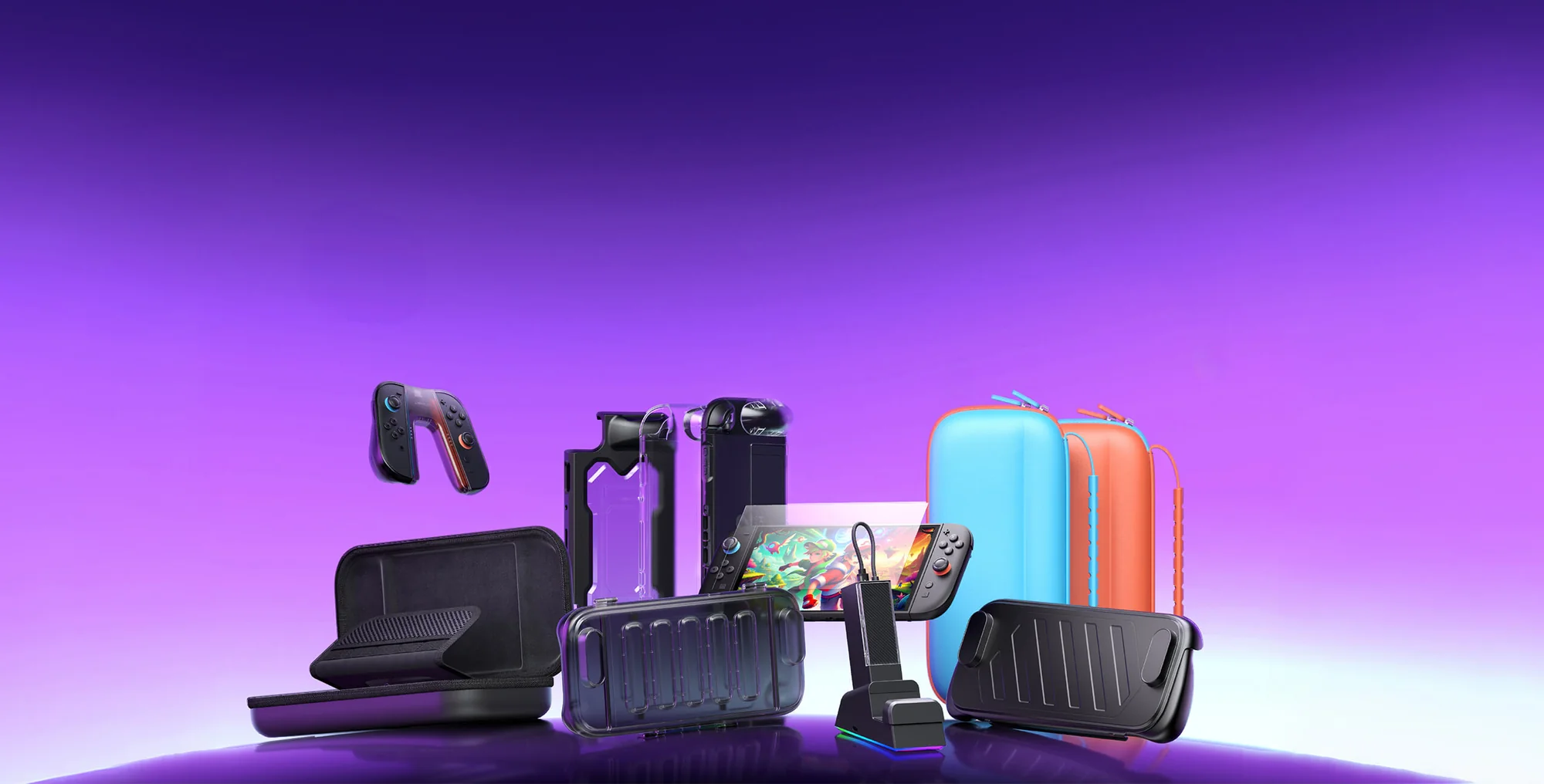
Final Thoughts
Handheld gaming devices are powerful on their own. But accessories unlock their full potential.
With the right combination of docking stations, protective gear, cooling solutions, and charging accessories, you can transform a compact console into a versatile gaming system that works at home, at a desk, or on the move.
The device may be small, but the setup doesn’t have to be limited.
Leave a Reply
Your email address will not be published. Required fields are marked
Can I write you?
Sign up to get my weekly newsletter.